




Royalstiger App
The Royalstiger app gives players a quicker way to open the platform on mobile and use the same account on different devices. We keep the mobile version simple and easy to use, so players can move from the lobby to payments or support without extra steps.
The mobile layout also follows the same main logic as Royals Tiger Casino on desktop, making the switch feel more natural. The sections stay familiar. The key tools stay close.



Why Players Use Mobile Access
The mobile version works well when players want fast access and do not want to search for the site every time. A browser tab still works, but a saved shortcut is easier to open and easier to return to during the day. That small difference makes mobile play feel more direct.
Royalstiger also works well on mobile because the main actions stay close together. Players can open the lobby, check a promotion, use the cashier, or review their profile without having to navigate through too many screens. This keeps the session practical, especially when there is only a short break between other tasks.
| Mobile task | How the app-style format helps | Practical result |
| Start a quick session | Opens from a saved icon instead of a fresh browser search | Less time before play |
| Browse the lobby | Uses a touch-friendly layout with cleaner spacing | Easier scrolling and tapping |
| Check bonus progress | Keeps promotions and account tools close together | Faster access to current offers |
| Use the cashier | Leaves deposits and withdrawals inside the same account flow | Smoother payment routine |
| Return later | Keeps the same profile on phone, tablet, and desktop | No need to start over |
The main everyday advantages are simple:
- quick access from a saved home-screen icon
- one account for games, payments, and profile tools
- easier touch navigation on a smaller screen
- the same basic flow on mobile and desktop
Royalstiger Application for iOS
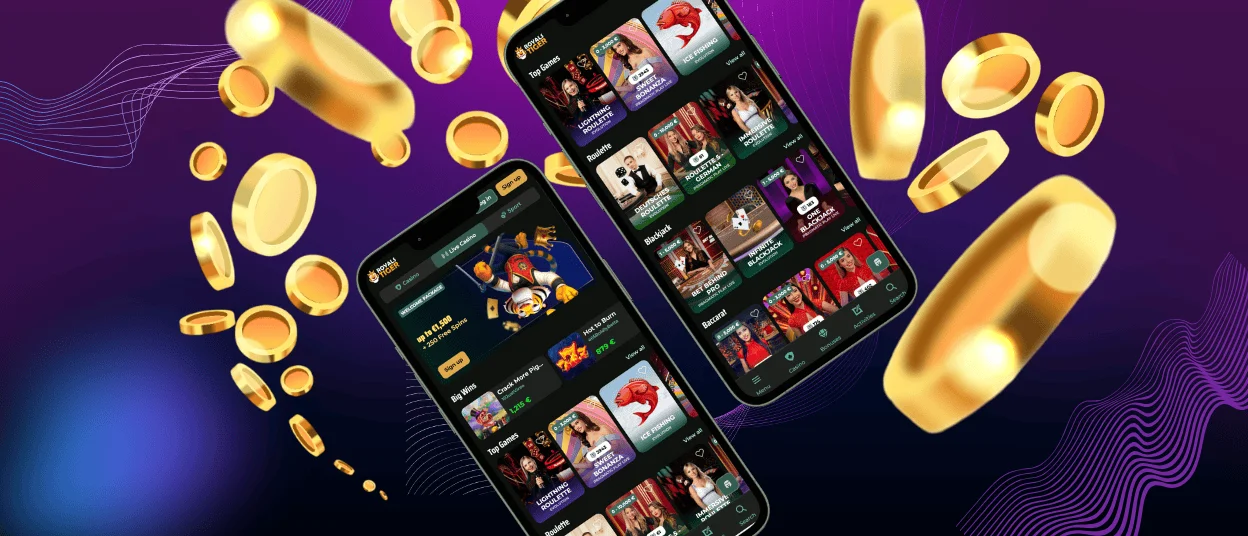
On iPhone and iPad, the Royalstiger application should feel clean and direct. The screen is smaller than a desktop, so the important parts need to stay visible. Clear buttons, readable game tiles, and short paths to the lobby or cashier make a big difference here. Players should be able to open the platform, find a title, and manage the account without extra taps.
The Royalstiger application also suits iOS because it keeps the structure light. Players can save the platform to the home screen and return with one tap. That makes the whole process feel more natural on mobile. At Royalstiger Casino, this matters because many users do not want extra layers between the main page and the games. On iPad, the wider screen gives more room for browsing categories, checking promotions, and following live tables in a more comfortable way.
Royals Tiger Application for Android
On Android, the Royals Tiger application works best through a modern browser with a saved shortcut on the home screen. This gives players app-style access without a heavy store download. The shortcut opens fast, uses little device space, and stays easy to update because the platform refreshes through the web version.
This setup also keeps the process safer and more practical. Players do not need to search for random APK files or install extra software from third-party pages. The browser-based route gives direct access from the official website and keeps the current version available each time the shortcut opens. That makes the Royals Tiger app easier to trust and easier to manage over time.
For most users, the setup is simple:
- Open the official website in a mobile browser.
- Choose the option to add the page to the home screen.
- Save the icon and open it like a normal app.
- Sign in and continue with the same account.
One Account Across Devices
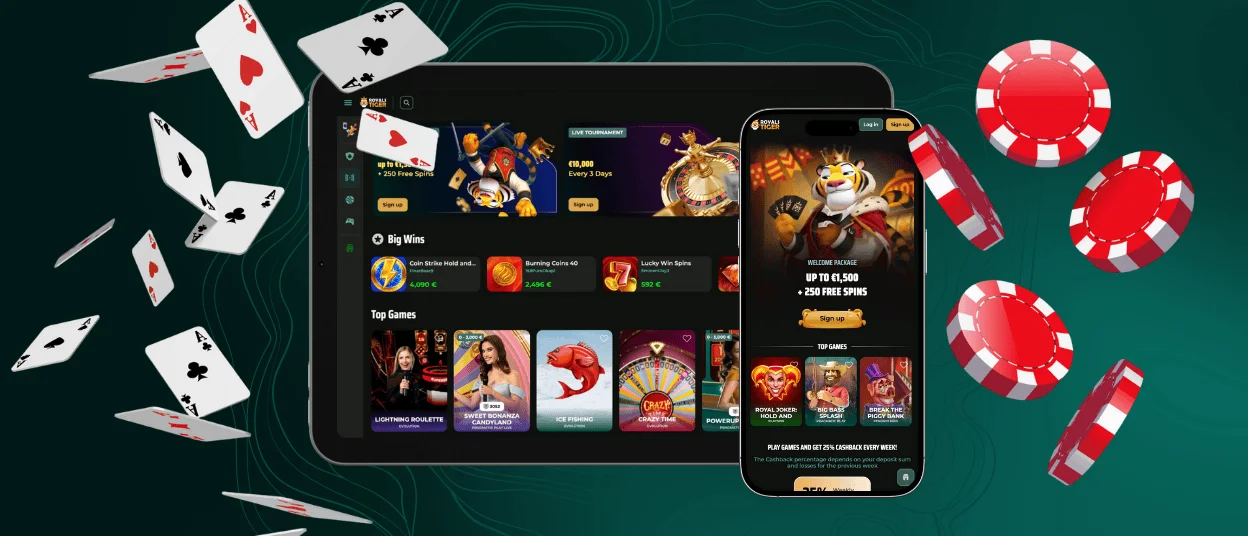
A phone works well for fast visits. A tablet gives more room for browsing. A desktop or laptop still suits longer sessions, document checks, and reading bonus terms in more detail. The Royals Tiger app keeps the same account across these devices, so players do not need separate profiles for mobile and desktop.
That continuity helps in daily use. A player can check promotions on the phone, review the cashier later from a tablet, and then continue on a desktop in the evening. Royals Tiger Casino stays easier to use when the balance, history, and settings remain in one place.
| Device | Best access format | What feels strongest there |
| iPhone | Home-screen shortcut | fast entry and compact account control |
| Android phone | Browser-based shortcut | quick launch and simple navigation |
| Tablet | App-style mobile access | more lobby space and easier browsing |
| Windows/macOS | Browser or shortcut window | better for long sessions and detailed reading |
Why the App Format Works
Royalstiger uses a browser-based format because it keeps access direct. Players open the site, save the shortcut, and use the current version each time. There is no separate APK file to manage. There is no need to wait for store updates. This also helps Royalstiger casino keep the same design logic on phone, tablet, and desktop.
The format also stays lighter than a traditional store app. It does not ask for much storage. It updates through the website. It keeps the barrier to entry low. For many players, that makes the mobile version easier to use in normal play. The platform feels close to a regular app, but the setup remains simpler and more flexible.
Security and Smooth Use
Mobile access should feel safe as well as convenient. Players use account details, payment methods, and personal settings there, so good habits still matter. The Royalstiger app also works more smoothly when the phone and browser are up to date. In many cases, that already prevents small loading or login problems.
A few simple habits improve daily use:
- Use the shortcut only from the official website
- Keep the browser and operating system updated
- Log out after playing on a shared device
- Check payment details carefully before you confirm a transaction
These steps are simple, but they help a lot in everyday use. A better browser setup, careful sign-in, and correct payment details make mobile sessions more stable. The Royals Tiger app works best when players keep the basic things under control.
Frequently Asked Questions
How do I add the Royalstiger app to my phone?
Open the Royalstiger website on your phone in Safari or Chrome. In the browser menu, choose the option to place the page on your home screen. This creates a shortcut icon. Next time, you can open the site straight from that icon instead of finding it again in the browser.
What makes the Royalstiger application different from the desktop version?
You use the same account and the same main sections, but the mobile view is arranged for a smaller screen. Menus are easier to reach. Buttons are easier to tap. Pages are simpler to scroll. Desktop gives you more space, but mobile is often better when you want to check the lobby, open the cashier, or continue a short session.
Can I use the same account on mobile and desktop?
Yes. One account is enough. When you sign in on another device, you still use the same balance, settings, and recent activity. You can start on your phone and continue later on a desktop without creating a new profile.
Which problems can affect mobile play, and how can I avoid them?
Most mobile problems are easy to fix. Weak internet is one reason. An old browser version is another. Sometimes the phone just has too many apps open in the background. First, check the connection. Then update the browser and close anything heavy that you do not need. If the shortcut opens the page incorrectly, remove it and save it again from the official site.
Why do many players choose the Royals Tiger app instead of a standard browser tab?
Many players simply want the fastest way back to the site. A saved icon helps with that. One tap opens the platform, and the screen usually feels cleaner than a standard browser tab. This is especially useful for short visits, quick balance checks, or a short game session.


